
Secure Print Release and Follow-Me Printing: Why Every Medical Office Needs It
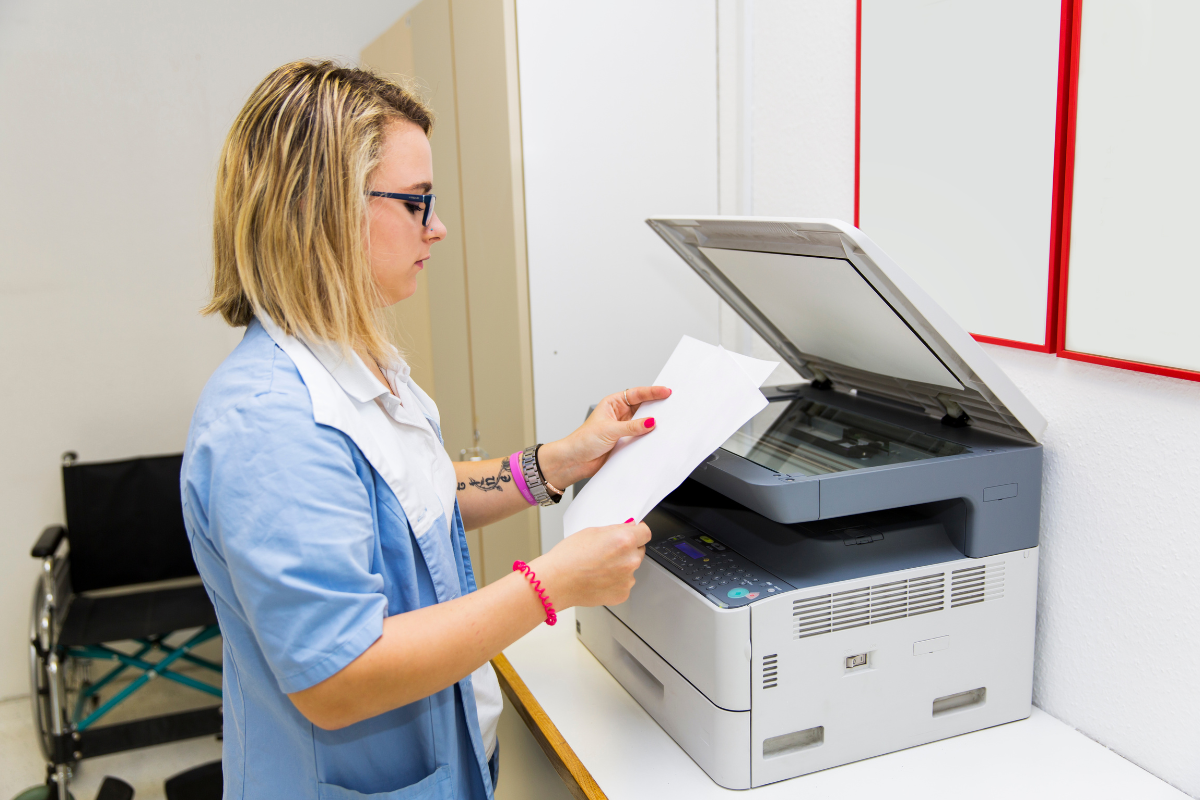
A patient checks in at the front desk. A billing specialist prints an insurance document. A nurse sends discharge instructions to a shared printer. Someone in medical records prints part of a patient chart. Throughout the day, sensitive information moves from computer screens to paper across multiple departments.
The risk often appears in the few minutes after someone clicks Print. A document containing a patient name, diagnosis, billing information, insurance data, or other protected health information can sit unattended in a printer tray. In a busy office with shared equipment, employees, patients, vendors, and visitors may pass through the same area before the document is retrieved.
Protecting electronic records is only part of protecting patient information. Medical practices also need processes for controlling what happens when sensitive information becomes a physical document.
What Is Secure Print Release?
Secure print release changes the traditional printing process by holding a document in a protected print queue instead of immediately sending it to the printer’s output tray.
The employee who submitted the print job must authenticate at the device before the document is produced. Depending on the printing environment, authentication may involve a PIN, employee ID card, badge, username, or another approved method.
Only then does the printer release the document.
This process is also commonly called pull printing or follow-me printing. With follow-me printing, a document may be held centrally so an authorized employee can release it from an approved device rather than being tied to one printer.
Modern multi-function printers can support authentication, access controls, print tracking, and other security features that make this type of workflow possible.
Why Shared Printers Create a PHI Exposure Point
Medical offices often rely on shared printers because they are practical. One device may support reception, billing, scheduling, clinical staff, and administrative departments. A larger practice may have several shared devices throughout the building.
The problem is that traditional printing separates the person who sends the document from the moment the document physically appears.
A staff member may print something and become distracted by a phone call. A clinician may send a document from an exam area but not retrieve it immediately. Someone may accidentally select the wrong printer. Another employee may pick up a stack of pages without realizing that a patient document is mixed in.
HHS requires covered entities to apply reasonable safeguards to protect PHI and to reasonably limit inappropriate access and disclosures. HIPAA does not prescribe secure print release as a specific required technology, but controlling access to printed information can support those broader privacy safeguards.
For organizations evaluating their broader healthcare communication processes, Lineage also provides resources specifically for healthcare organizations.
How Follow-Me Printing Changes the Workflow
Secure release removes the unattended printing window.
Instead of walking to a printer and hoping the document is already there, the employee walks to an approved device, authenticates, selects the print job, and releases it while standing at the machine. The document can be collected as soon as it prints.
That small workflow change can address several common problems at once.
It reduces the chance of PHI remaining visible in an output tray. It can prevent employees from accidentally sending confidential information to the wrong shared printer. It can also reduce abandoned print jobs because documents that are never released do not need to be printed at all.
For medical practices reviewing their office equipment, security requirements should be considered alongside print volume, scanning needs, document routing, and device location. Lineage’s printing systems and Lineage Optimize services help New York organizations evaluate printing technology around the way their employees actually work.
Secure Printing Should Be Part of a Larger Document Strategy
A secure printer does not address every point where patient information can be exposed.
Access should begin with the source document. Staff members should only have access to the information appropriate for their roles, and the organization should have clear procedures governing how sensitive documents are stored, printed, scanned, distributed, and disposed of.
The HIPAA Security Rule requires covered entities and business associates to implement appropriate administrative, physical, and technical safeguards for electronic PHI, including controls intended to restrict electronic information to authorized users.
Document management software can add another layer by controlling how documents are stored, retrieved, shared, and routed before they reach the printer. Together, document access controls and secure print release can help a medical office maintain tighter control from the digital record through the physical document.
Some workflows may not need to be performed inside the office at all. High-volume patient statements, notices, and other outbound communications may be candidates for print-to-mail outsourcing, reducing the amount of sensitive production work handled through everyday office printers.
Evaluate Who Can Print, Where They Print, and What Happens Next
Installing a new printer without reviewing the surrounding workflow can leave the same underlying risks in place.
A useful print assessment should examine where devices are located, which employees use them, what types of documents are produced, how users authenticate, and whether confidential documents can sit unattended. It should also consider whether different departments need different permissions or whether certain high-sensitivity workflows warrant dedicated equipment.
For some environments, a single-function printer located within a controlled department may make sense. Others may benefit from shared multi-function equipment with secure user authentication and follow-me printing.
The right configuration depends on the office, its staff, and the information moving through it.
Make the Printer Part of Your Security Process
Patient information does not become less sensitive when it moves from a screen to a sheet of paper. Medical offices need to consider the entire document lifecycle, including the period between sending a print job and retrieving the finished document.
Secure print release and follow-me printing provide a practical way to close that gap. Lineage has more than 38 years of experience helping organizations improve document, printing, and communication workflows, including healthcare environments where security and confidentiality are part of everyday operations.
If your medical office is reviewing its printers or document security processes, request a free business assessment. Lineage can evaluate your current equipment and workflow to identify opportunities for stronger document control and a printing process that better fits your organization.