
Single-Function vs. Multi-Function Printers: How to Choose the Right Fit for Your Office
Choosing the right printer for your office sounds straightforward until you start comparing options. Single-function printers do one thing well. Multi-function printers do several things from a single device. But the decision between the two is rarely that simple.
The best choice depends on how your team actually works, not just how many pages you print. Volume matters, but so do workflow, security requirements, floor space, and long-term cost. This guide breaks down the key differences and helps you determine which type of device fits your office best.
What Each Type of Printer Does
A single-function printer is designed to do one thing: print. It takes digital files and produces physical documents. That is it. There is no built-in scanning, copying, or faxing. These devices are compact, reliable, and typically lower in upfront cost than their multi-function counterparts.
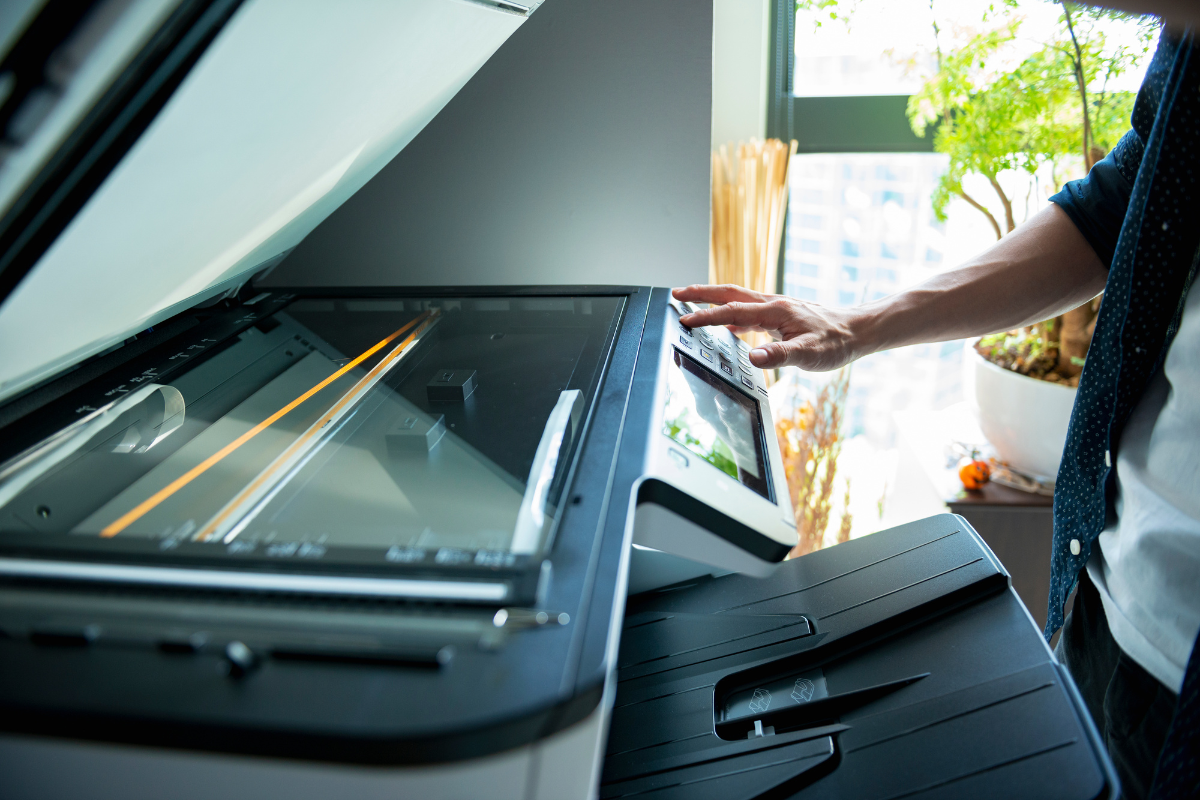
A multi-function printer (MFP) combines printing, scanning, copying, and sometimes faxing into a single machine. Modern MFPs also offer features like cloud connectivity, mobile printing, secure print release, automatic document feeding, and integration with document management software. They function as a centralized document hub rather than just an output device.
Both types are available in black-and-white and color configurations, and both can be networked across an office. The difference is scope.
When a Single-Function Printer Makes Sense
Single-function printers are not outdated or inferior. In the right setting, they are the smarter choice. Consider a dedicated single-function device when:
- Printing is the only task required at that location. If a department or workstation does not need scanning or copying capabilities, adding those features through an MFP means paying for functionality that will go unused.
- Confidentiality requires a dedicated device. In industries like healthcare, legal, and financial services, certain departments handle sensitive documents that should not pass through shared equipment. A dedicated printer in an HR office or a billing department limits who has physical access to printed materials.
- You need a secondary device to support a larger fleet. Many offices pair single-function printers with MFPs in a networked environment. The MFP handles scanning, copying, and high-volume jobs, while the single-function printer serves as a fast, nearby output point for individual users or small teams.
- Space is limited. Single-function printers have a smaller physical footprint. For satellite offices, reception desks, or clinical workstations, a compact device that prints reliably is all that is needed.
Konica Minolta manufactures single-function models designed specifically for these use cases, with features like standard wireless connectivity, automatic duplex printing, and strong security protocols built into a compact form factor.
When a Multi-Function Printer Is the Better Choice
For most office environments where teams share resources and handle a variety of document tasks throughout the day, a multi-function printer is the more practical and cost-effective option. An MFP is the right fit when:
- Your team prints, scans, copies, and occasionally faxes. Rather than maintaining separate machines for each function, an MFP consolidates them into one device. This reduces equipment costs, simplifies supply management, and cuts down on maintenance contracts.
- You want to streamline document workflows. Modern MFPs do more than output paper. They can scan documents directly to email, network folders, or cloud platforms. They support automated workflows that route scanned files to the right department without manual intervention. For organizations looking to reduce paper-based processes, an MFP is often the starting point.
- Volume is moderate to high. MFPs are built for shared environments where multiple users access the device throughout the day. Enterprise-grade models handle tens of thousands of pages per month with consistent quality and reliability.
- Security and compliance are priorities. Advanced MFPs include features like secure print release, which holds documents in a queue until the authorized user authenticates at the device. This prevents sensitive documents from sitting uncollected on an output tray. Encrypted hard drives, user access controls, and audit logging add further layers of protection.
Lineage partners with Konica Minolta to provide MFPs from the bizhub i-Series, which feature intuitive touchscreen interfaces, high-speed dual scanning, mobile printing support, and robust security capabilities. These devices are designed to integrate seamlessly into existing office networks and scale with your business as needs evolve.
Key Factors to Evaluate Before You Decide
Rather than defaulting to whichever option seems most popular, evaluate your specific situation across these five areas:
Monthly print volume. Estimate how many pages your office produces each month. Low-volume environments with simple printing needs may be well served by a single-function device. Moderate to high-volume environments with diverse document tasks will benefit from an MFP. Every printer has a recommended monthly page volume, and choosing a device that matches your actual usage prevents premature wear and unnecessary cost.
Total cost of ownership. The purchase price is only part of the equation. Factor in toner or ink costs per page, maintenance and service agreements, energy consumption, and the cost of supplies across multiple devices versus a single consolidated machine. In many cases, one MFP costs less to operate over three to five years than a collection of single-function devices that together cover the same range of tasks.
Workflow requirements. Think beyond printing. Does your team scan documents regularly? Do you need to digitize paper records? Are employees printing from mobile devices or remote locations? If the answer to any of these is yes, an MFP with scanning, cloud integration, and mobile printing support will eliminate bottlenecks that a print-only device cannot address.
Security needs. Industries that handle protected data, such as healthcare, legal, and financial services, need print environments that support compliance. Secure print release, encrypted storage, and user authentication are standard on enterprise MFPs but are not available on most single-function printers. If your office handles HIPAA-protected information, client financial records, or confidential legal documents, the security features of an MFP are not optional. They are essential.
Physical space and placement. An MFP requires more room than a single-function printer, both for the device itself and for clearance around it for maintenance access and paper loading. If you are equipping a small satellite office or a single workstation, a compact single-function printer may be the more practical fit. For a shared department or central office area, an MFP makes better use of the space by replacing multiple devices with one.
It Does Not Have to Be One or the Other
The most effective print environments often use both types of devices strategically. A centrally located MFP handles the majority of document tasks for a department or floor, while single-function printers serve individual users or specialized roles where dedicated output is needed.
This hybrid approach balances cost efficiency with flexibility. It keeps shared workflows running through a capable MFP while ensuring that employees who need quick, private access to a printer have it nearby.
Let Lineage Help You Find the Right Fit
Selecting the right printing technology is not just about comparing spec sheets. It is about understanding how your office works, where the inefficiencies are, and which combination of equipment will help your team be more productive without overspending.
Lineage Optimize partners with Konica Minolta to provide New York businesses with industry-leading printing solutions tailored to their specific needs. Our sales professionals take a consultative approach, evaluating your current setup, print volume, workflow, and security requirements before recommending a solution. We do not just sell equipment. We help you build a print environment that fits your business.
Reach out to schedule a strategy session and find out which combination of printers is right for your office.